


Notebook
Notebook
Notebook
Utilizing the notebook for journaling
Utilizing the notebook for journaling
Utilizing the notebook for journaling
Lesson 4
Lesson 4
10 min
10 min
Default Notebooks
Default Notebooks
Default Notebooks
The notebook section of TradeZella is a personal journaling space which is integrated with all your trades. There are three default notebooks that come with your account.
The notebook section of TradeZella is a personal journaling space which is integrated with all your trades. There are three default notebooks that come with your account.
The notebook section of TradeZella is a personal journaling space which is integrated with all your trades. There are three default notebooks that come with your account.
Trade notes allows you to connect a specific execution to your notebook. You will see the stats and outcome of the trade and have space below to input any text or images of your choice. Anything typed here will also show in the notes tab of the detailed trade view.
Trade notes allows you to connect a specific execution to your notebook. You will see the stats and outcome of the trade and have space below to input any text or images of your choice. Anything typed here will also show in the notes tab of the detailed trade view.
Trade notes allows you to connect a specific execution to your notebook. You will see the stats and outcome of the trade and have space below to input any text or images of your choice. Anything typed here will also show in the notes tab of the detailed trade view.
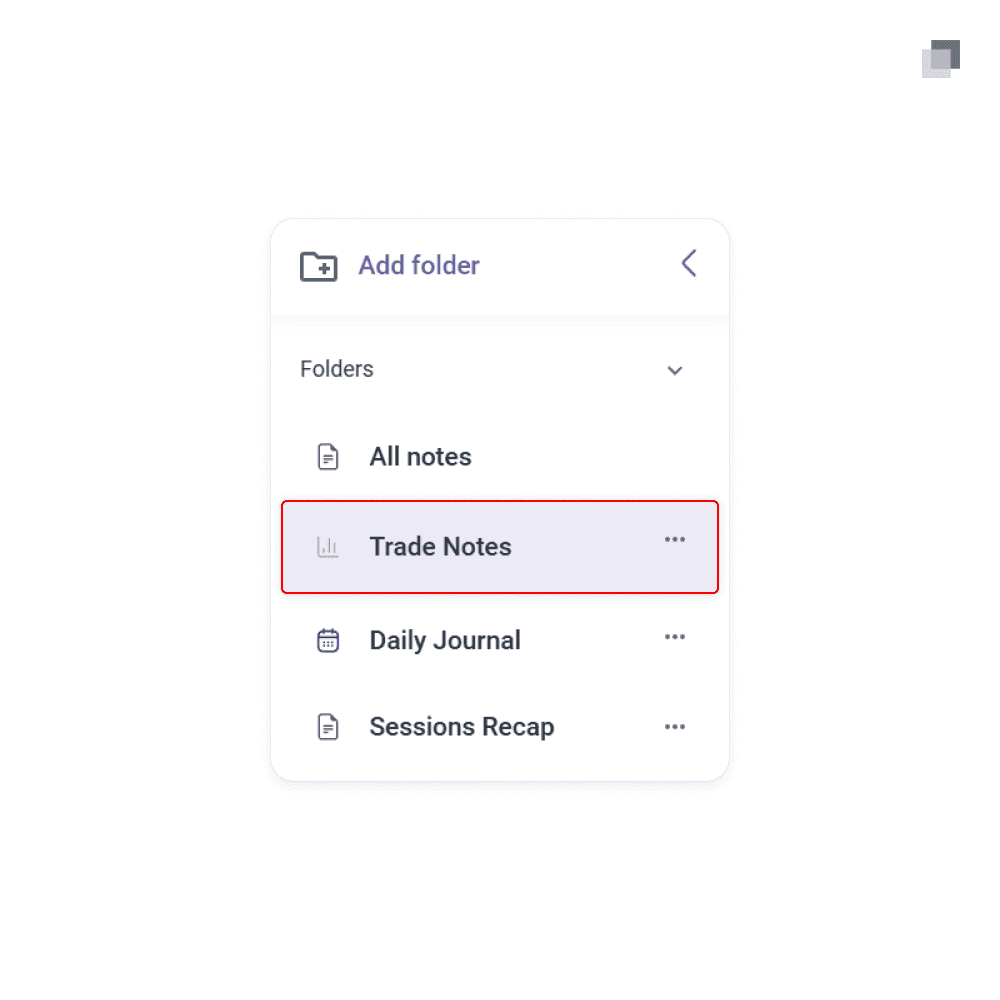
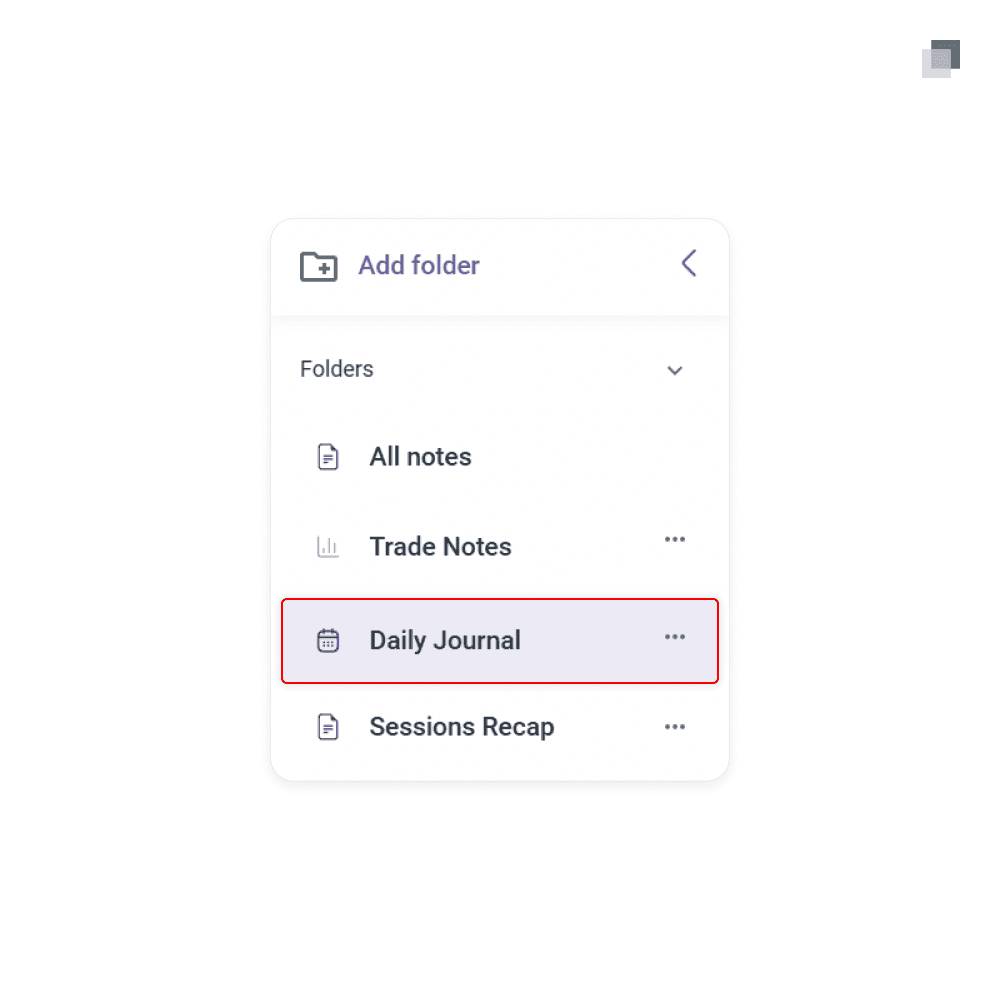
Daily journal allows you to connect a specific trading day to your notebook. You will see the data on the selected trading day and have a space below to do your journaling. This is an option when you want to take notes on your overall decision making and execution within a single trading day.
Daily journal allows you to connect a specific trading day to your notebook. You will see the data on the selected trading day and have a space below to do your journaling. This is an option when you want to take notes on your overall decision making and execution within a single trading day.
Daily journal allows you to connect a specific trading day to your notebook. You will see the data on the selected trading day and have a space below to do your journaling. This is an option when you want to take notes on your overall decision making and execution within a single trading day.
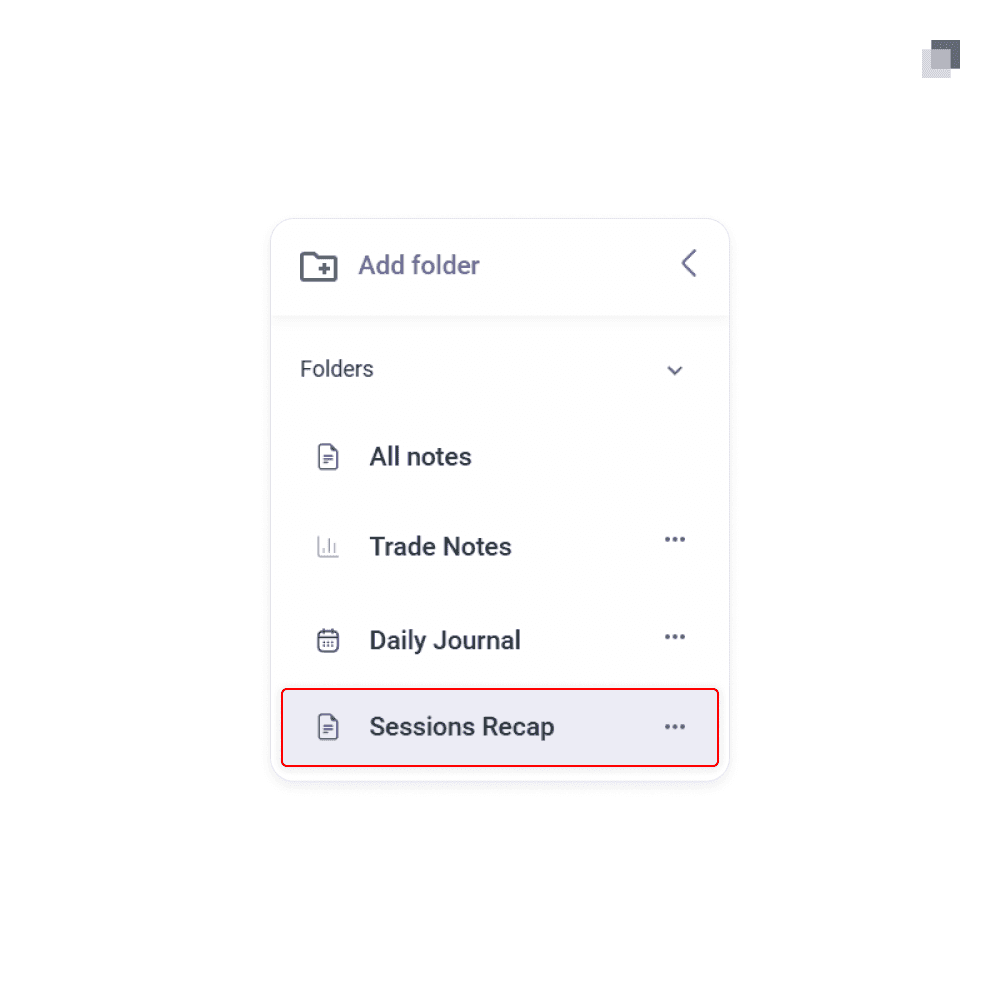
Sessions recap has the same function as the other default notebooks above, but you can choose a specific date range from your trading to display. This is best used when conducting weekly, monthly, or quarterly reviews.
Sessions recap has the same function as the other default notebooks above, but you can choose a specific date range from your trading to display. This is best used when conducting weekly, monthly, or quarterly reviews.
Sessions recap has the same function as the other default notebooks above, but you can choose a specific date range from your trading to display. This is best used when conducting weekly, monthly, or quarterly reviews.
Custom Folders
Custom Folders
Custom Folders
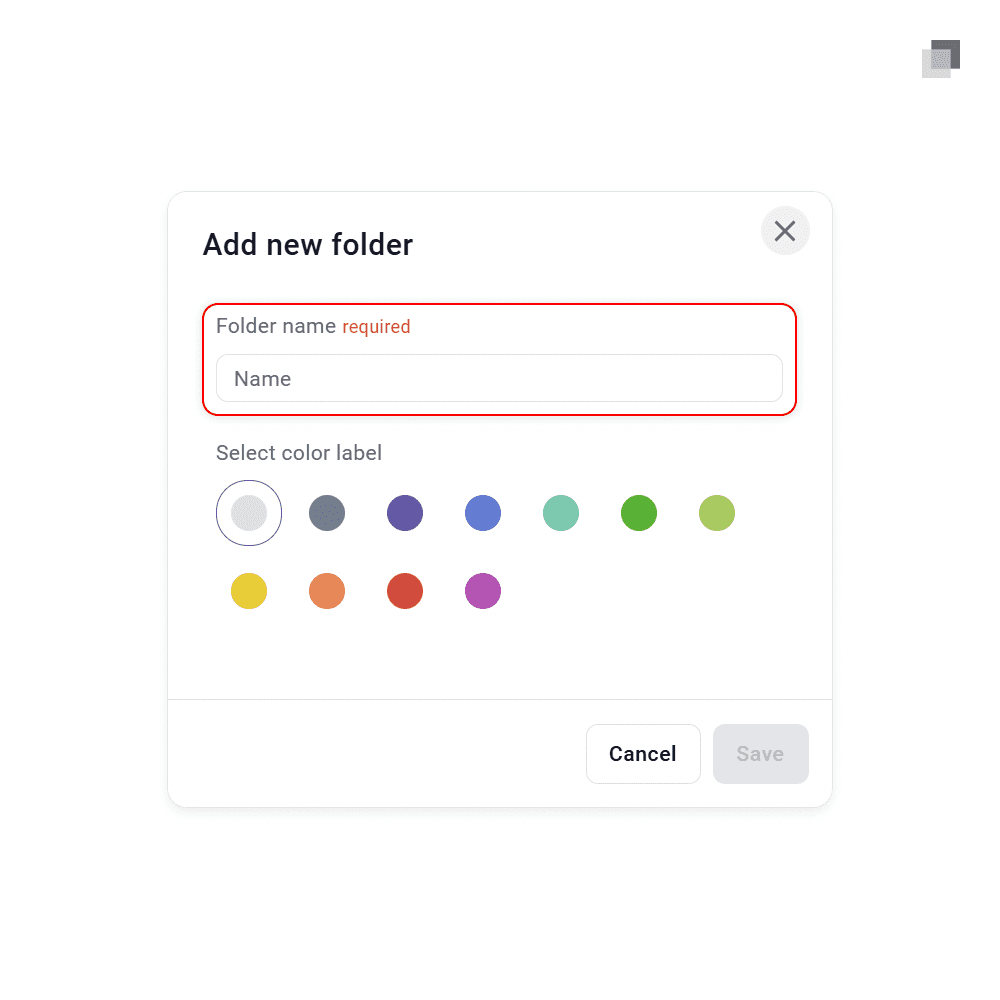
Notebooks can also be made into custom folders for your own personalized use. In the top left of the notebook section, you can see the add folder button. There you can choose the folder name and color for simple recognition. This is used whenever there is a type of note category which is not optimized for in any of the default notebooks.
Notebooks can also be made into custom folders for your own personalized use. In the top left of the notebook section, you can see the add folder button. There you can choose the folder name and color for simple recognition. This is used whenever there is a type of note category which is not optimized for in any of the default notebooks.
Notebooks can also be made into custom folders for your own personalized use. In the top left of the notebook section, you can see the add folder button. There you can choose the folder name and color for simple recognition. This is used whenever there is a type of note category which is not optimized for in any of the default notebooks.

The standard for trading education and guidance
2026 The Market Lens - All Rights Reserved
The standard for trading education and guidance
2026 The Market Lens - All Rights Reserved
The standard for trading education and guidance